 Listicle
Best CRM Alternatives for Independent Consultants
Last Updated: November 16, 2026
Quick Summary
The best CRM alternatives for independent consultants are follow-up-first tools like Client Follow-Up, free starting points like HubSpot CRM, and pipeline tools like Pipedrive and Freshsales. Match the tool to how you win work: referral-driven practices need relationship reminders, while project-based consultants need proposals and client portals.
- Client Follow-Up offers AI-assisted follow-up drafting, sequence building, and multilingual support in English, Spanish, and French.
- HubSpot CRM's free tier is a starting point, not a destination, as deeper automation sits on paid plans.
- Freshsales has a reported entry price of $9 per user, but verify the billing period and included features.
- A realistic setup budget for one person is a few hours, not a few weeks.
- Reassess your system when you manage roughly 20 to 30 active relationships or more than one concurrent proposal.
Table of Contents
- Why Independent Consultants Outgrow Generic CRMs
- Quick Comparison: CRM for Consultants at a Glance
- How We Evaluated These CRM Alternatives
- Client Follow-Up: Purpose-Built Lead Tracking and Follow-Up Tools
- HubSpot CRM: The Free Starting Point
- Pipedrive and Freshsales: Pipeline-First CRMs for Small Sales Teams
- Zoho CRM and Less Annoying CRM: The Best CRM for Freelancers on a Budget
- Salesforce, monday CRM, SuiteDash and 4Degrees: When You Need More Than a CRM
- Personal CRM for Independent Professionals: Matching the Tool to Your Business Model
- Total Cost, Privacy and Setup: What the Comparison Tables Miss
- Frequently Asked Questions
Why Independent Consultants Outgrow Generic CRMs
The best CRM alternatives for independent consultants solve a problem that generic platforms create: too much structure for a one-person business, which is why this guide focuses on the best crm alternatives for independent consultants. Many consultants sign up for a full-scale CRM, spend a weekend configuring pipelines and custom fields, then abandon it within a month because the administrative workload outweighs the value.
Independent consulting rarely looks like a sales floor. You manage a handful of active clients, a longer list of prospects, and a referral network that needs steady contact. A system built for quotas and a small sales team often adds friction instead of removing it.
This guide compares the real options on the market, shows where each fits, and explains how to choose without repeating the setup mistakes most consultants make.
Quick Comparison: CRM for Consultants at a Glance
The table below summarizes our picks by use case. Pricing reflects published entry points where research verified them; always confirm current plans on each vendor's site.
| Tool | Free Plan | Entry Price | Best For | Standout Strength |
|---|---|---|---|---|
| Client Follow-Up | Yes, plus free trial | See pricing page | Consultants who lose deals to slow follow-up | AI-assisted follow-up drafting |
| HubSpot CRM | Yes | Free tier | Starting out with no budget | Free contact database |
| Pipedrive | No | Not verified | Pipeline-first deal tracking | Visual opportunity management |
| Freshsales | No | $9 per user reported | Budget sales tracking | Low reported entry price |
| Zoho CRM | No | Not verified | Cost-conscious consultants | Affordability focus |
| Less Annoying CRM | No | Not verified | Simplicity seekers | Straightforward interface |
| Salesforce | No | Not verified | Scaling operations | Deep customization |
| monday CRM | No | Not verified | Visual workflow fans | Flexible boards |
| SuiteDash | No | Not verified | All-in-one client work | Proposals and portals |
| 4Degrees | No | Not verified | Relationship-driven consulting | Consultant-tailored onboarding |
For a broader roundup of lead tracking software, see our guide to sales lead tracking software picks for small business.
How We Evaluated These CRM Alternatives

A common mistake is judging a CRM by its feature list alone.
Client Follow-Up: Purpose-Built Lead Tracking and Follow-Up Tools
Client Follow-Up is built for follow-up after discovery calls, proposals, and check-ins. It gives you a centralized dashboard for tracking leads and follow-up activity.
The AI-powered follow-up drafting and sequence building help you draft messages and build sequences. Multilingual support covers English, Spanish, and French. It is designed for existing business relationships rather than cold outreach.
Pros: purpose-built follow-up logic, AI drafting, multilingual output, centralized lead tracking. Cons: narrower than a full CRM if you need heavy project management or invoicing inside one system.
Best for: consultants and independent service providers who win work through consistent follow-up. Skip if: you need a full proposal-to-billing platform in a single tool.
If follow-up is your weak point, our personalized email follow-up templates for consultants give you language you can apply immediately, and you can keep every promising consulting conversation moving with a tool built for exactly that.
HubSpot CRM: The Free Starting Point
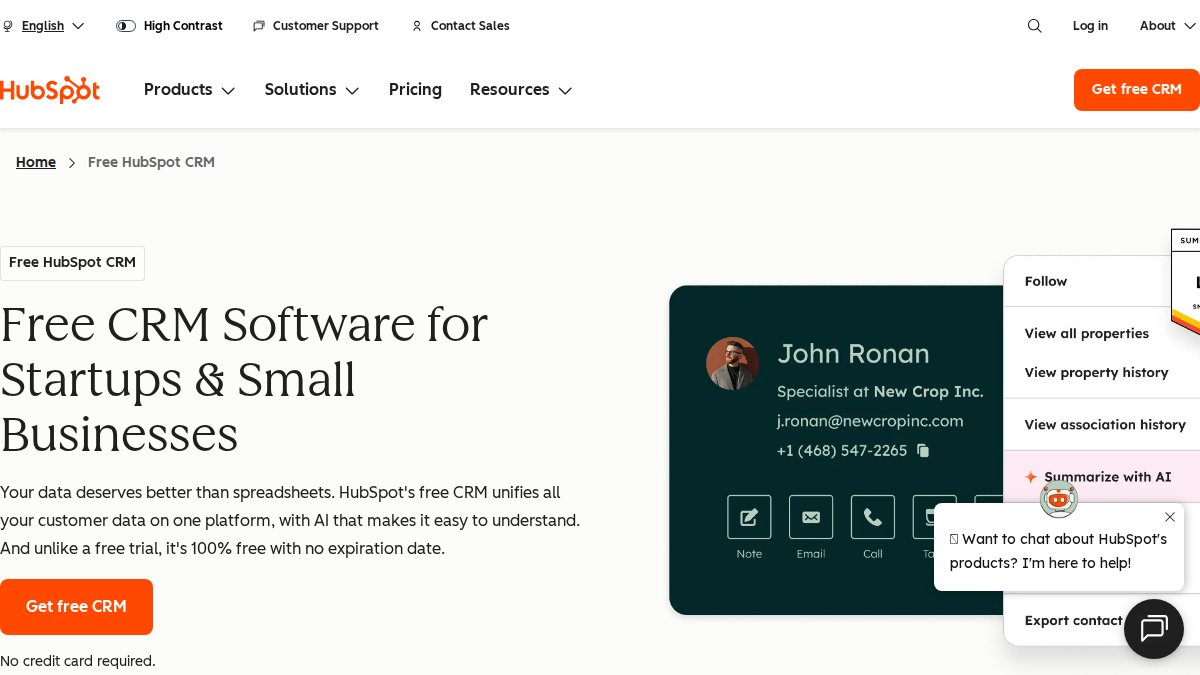
The honest limitation: the free tier is a starting point, not a destination. As your client list grows, the features you want for deeper automation sit on paid plans, and costs climb. Marketing automation is a genuine strength if you build referral and content-driven outreach. If you mostly need reliable follow-up on warm conversations, a lighter tool will get you there faster.
Pipedrive and Freshsales: Pipeline-First CRMs for Small Sales Teams
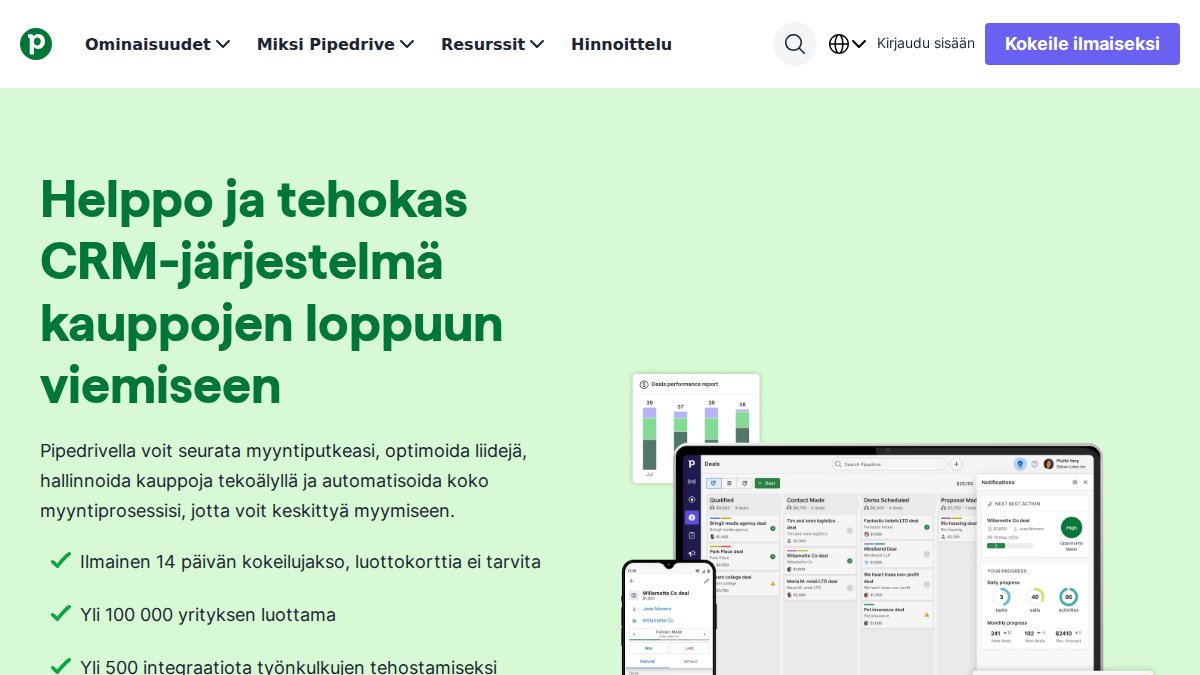
If you track deals through stages, from first call to signed proposal, the pipeline view keeps deal value and sales cycle visible at a glance.
The catch is that the research did not clarify the billing period, plan, or included features behind that figure, so verify before you commit.
Both tools assume you think in deals and stages. That suits consultants with a defined sales process. It fits less well if your work comes from a referral network where relationships, not stages, drive the next engagement.
Zoho CRM and Less Annoying CRM: The Best CRM for Freelancers on a Budget
The best CRM for freelancers is usually the one you will actually open every morning. A cheaper tool with a clean interface beats a more capable one that feels like a project to maintain. For a solo practice, that trade-off is the whole game.
Salesforce, monday CRM, SuiteDash and 4Degrees: When You Need More Than a CRM
These four are the right shortlist when your needs genuinely exceed a CRM. If your main pain is forgotten follow-ups, they are more machine than the job requires.
Personal CRM for Independent Professionals: Matching the Tool to Your Business Model
The right personal CRM for independent professionals depends on how you win work, not on the longest feature list. Match the tool to the model, and set a clear trigger for when to upgrade. The four models below cover most solo consulting practices.
Referral-driven practice. Most of your work arrives through a small network of past clients and trusted contacts. Your risk is not a leaky pipeline; it is going quiet on the people who send you work. Prioritize relationship intelligence and follow-up reminders over pipeline stages, and keep a lightweight, follow-up-first tool. A useful habit is a recurring check-in cadence for your top referrers, every 60 to 90 days is a common pattern, with a note on what you last discussed. If your system cannot remind you to do that, it is the wrong system for this model.
Project-based consulting. You win discrete engagements with a start and end date, and each one needs a proposal, a scope, and a handoff. Look for proposal management and client portal features, which points toward SuiteDash or a project-capable CRM. The test is whether you can move a prospect from first call to signed proposal to active project without re-entering the same information in a second tool.
Retainer and account management. You hold a smaller number of ongoing clients and need steady check-ins, renewal reminders, and a clear view of each account's history. Contact management and client lifecycle tracking matter most here, with recurring check-in reminders tied to renewal dates. A CRM that treats every contact as a one-time deal will fight you; you want one that keeps the relationship visible after the sale.
Growing into a small firm. You are adding a contractor or a first hire and need the system to bend to your process rather than the reverse. Customization and scalability justify Salesforce or monday CRM, but only when the added administration is offset by someone other than you maintaining it. If you are still the only user, the customization is usually a cost, not a benefit.
A useful rule for choosing the level of complexity: if your client data lives in spreadsheets and your follow-ups live in your head, start with a follow-up tool, not a full CRM. You can add pipeline complexity later, once the habit of consistent contact is in place. A common pattern is to stay on a lightweight system until you are managing roughly 20 to 30 active relationships or juggling more than one concurrent proposal at a time; past that point, the manual tracking starts to cost more than the subscription. Treat those numbers as a prompt to reassess, not a hard rule, the real trigger is the first time you miss a follow-up because it was not written down.
Watch out: the most common mismatch is a referral-driven consultant buying a pipeline-heavy CRM because a comparison table ranked it highly. The tool then goes unopened, and the consultant concludes CRMs do not work. The failure was fit, not software.
Total Cost, Privacy and Setup: What the Comparison Tables Miss
Most comparison tables show a headline monthly price and stop. For a solo consultant, that number is rarely the number you pay. The real figure depends on how many seats you need (usually one), whether the features you actually use sit on a higher tier, whether annual billing is required to get the advertised rate, and which add-ons, extra automation runs, SMS credits, storage, or AI assistance, you end up buying. Model the real monthly figure at your actual usage before you commit, and use a free plan or trial to test the workflow first.
A practical way to do this without a finance team:
- List the three tasks you will run every week (for example: log a new prospect, schedule a follow-up, send a proposal).
- Find the lowest plan that includes all three without add-ons.
- Add the cost of any add-on you would realistically buy in month one.
- Multiply by 12 and compare that annual figure across tools, not the monthly headline.
- Check whether the advertised rate requires annual prepayment; if it does, confirm the refund and cancellation terms before you pay.
Advertised entry prices can vary by billing period, seat count, and plan, so check the vendor's pricing page before you rely on a headline figure. Verify the billing period, seat minimum, and included features on the vendor's own pricing page before you treat any figure as final.
Privacy and data ownership deserve the same scrutiny, because consultants routinely hold sensitive client information, financials, legal matters, personnel details, unreleased strategy. A CRM is only as safe as its access controls and export options. Before you commit, confirm five things: who inside the vendor can access your data, whether you can restrict access to specific records, how you export your full contact and activity history, how long data is retained after you cancel, and whether the vendor uses your data to train models or for marketing. If a vendor cannot answer those questions in writing, treat that as a signal.
Setup effort is the hidden cost most comparisons skip. A tool that takes weeks to configure rarely survives a busy month, and a solo consultant has no sales operations team to absorb the work. A realistic setup budget for one person is a few hours, not a few weeks: import contacts from a spreadsheet or email, define three to five pipeline stages that match how you actually win work, and set the follow-up reminders you will rely on. If a tool cannot be useful within that window, the total cost is higher than the subscription price suggests. We favor options you can use daily within days, not quarters. If AI assistance and human approval matter to you, explore AI capabilities in Client Follow-Up to see how drafting, sequence building, and privacy are handled. When you are ready to weigh real numbers, compare Client Follow-Up plans for seats, included AI assistance, and SMS credits.
Choosing a CRM as a solo consultant comes down to one question: will this tool make you follow up more reliably, or will it become another task to manage? Client Follow-Up is built for the first answer, with AI-assisted follow-up drafting, sequence building, multilingual output, and a centralized dashboard that keeps every lead and conversation visible. Start with the free trial and see how it fits your practice.
Frequently Asked Questions
What is the best CRM for a small consulting business?
There is no single answer because it depends on whether you need contact management, deal tracking or follow-up discipline. If your bottleneck is follow-up after discovery calls and proposals, a specialist consultant lead tracking and follow-up tool keeps every next step visible. Match the tool to the workflow you actually run, not the longest feature list.
Are free CRM tools enough for independent consultants?
A free tier is enough while you are organizing contacts and a few deals. Free plans usually limit automation, sequences and reporting, so once you rely on follow-up reminders or a repeatable sales pipeline you will hit the ceiling. Start free, then move when a missed follow-up costs more than a subscription.
Can a freelancer use a CRM to track leads and follow-ups?
Yes, and it is the main reason freelancers adopt one. A CRM replaces the spreadsheet and the memory-based reminder with a single dashboard showing each prospect, the last contact and the next action. Look for follow-up reminders, email and calendar integration, and a simple pipeline. The best CRM for freelancers is the one you open daily, so prioritize ease of use over customization you will never configure.
How do independent consultants organize client relationships without a CRM?
Most use a spreadsheet, an inbox and a calendar, which works until inquiry volume rises. The failure point is follow-up: estimates and proposals sit unanswered because nothing prompts the next message. A lightweight personal CRM for independent professionals fixes that by centralizing client data, logging every touch and scheduling reminders. If you already lose track of who needs a reply, the spreadsheet is the problem, not the fix.
Which CRM is easiest for an independent consultant to use?
Tools built for small teams tend to win on ease of use. Specialist follow-up platforms are simpler still because they do one job. Whatever you choose, judge it by setup time: if you cannot import contacts and send a first follow-up sequence in an afternoon, the tool will sit unused.