 Comparison
7 Plumbing Customer Management Software Options Compared
Quick Summary
Plumbing customer management software organizes estimates, service inquiries and customer follow-ups in one place, so jobs do not slip between a notebook, text threads and a separate invoicing app. The main options compared are Client Follow-Up, QuoteIQ, Housecall Pro, Jobber and ServiceTitan, each suited to different shop sizes and needs.
- Choose the fewest tools that still keep your jobs moving rather than the most features.
- Client Follow-Up offers a free plan and a free trial, and focuses on estimate and inquiry follow-up.
- QuoteIQ starts at $29.99/month and combines a CRM with plumbing-specific tools.
- Housecall Pro, Jobber and ServiceTitan list pricing only on request.
- Check whether a tool handles payment collection and accounting exports before buying.
Table of Contents
- Best Plumbing Software for Small Business: Quick Comparison
- Plumbing Customer Management Software Free Options and What They Limit
- Invoicing and Field Service Features to Compare Before You Buy
- Frequently Asked Questions
Best Plumbing Software for Small Business: Quick Comparison
Last Updated: November 18, 2026
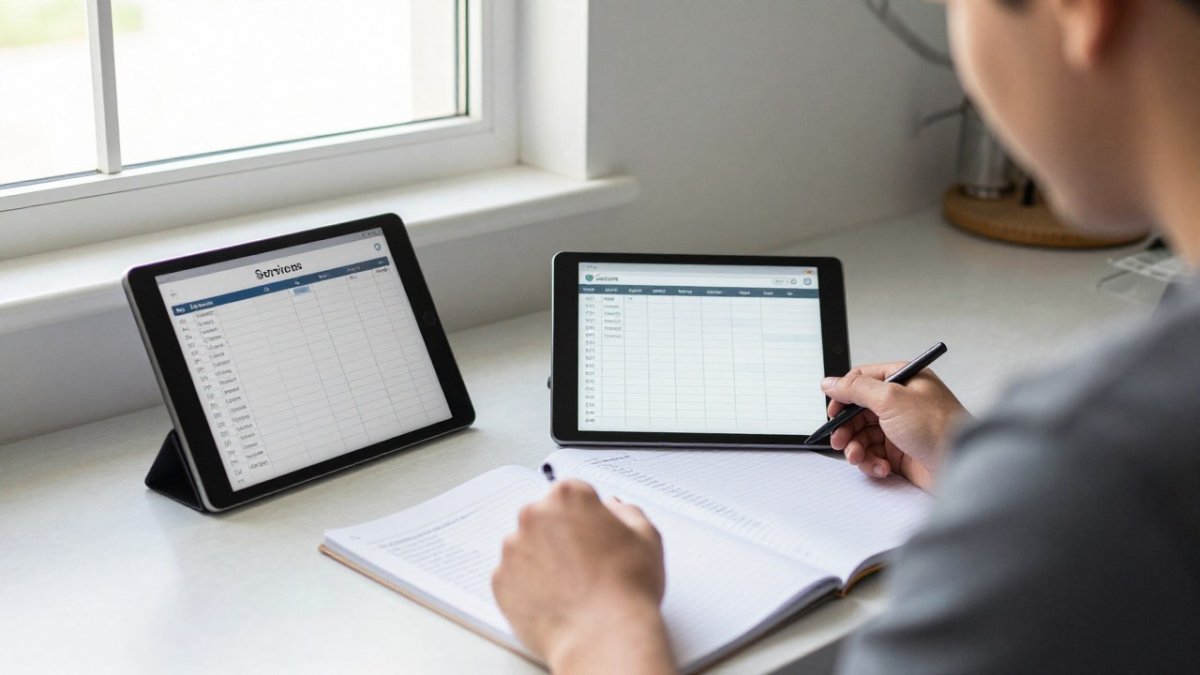
Choosing plumbing customer management software is less about finding the most features and more about finding the fewest tools that still keep your jobs moving. Most small plumbing shops juggle estimates in a notebook, callbacks in a text thread and invoices in a separate app. Client Follow-Up is built for exactly that gap: organizing estimates, service inquiries and customer follow-ups so nothing slips. Below, we compare the main options and show where each one fits.
| Tool | Starting Price | Best For |
|---|---|---|
| Client Follow-Up | Free trial available | Follow-up on estimates and inquiries |
| QuoteIQ | $29.99/month | CRM plus plumbing-specific tools |
| Housecall Pro | Contact for pricing | Quotes, scheduling and billing |
| Jobber | Contact for pricing | Customer management and field service |
| ServiceTitan | Contact for pricing | Larger dispatch-heavy operations |
Plumbing Customer Management Software Free Options and What They Limit
Free plans are useful for testing a workflow, but they usually cap users, jobs or automation. Client Follow-Up offers a free plan and a free trial, so you can check whether sequence building fits your team before paying. Verify current free-tier limits on each vendor's website, since they change often.
Invoicing and Field Service Features to Compare Before You Buy
Before you buy, check whether the software handles estimates, scheduling and billing in one place. A single system avoids re-entering customer details. Confirm how each tool handles payment collection and accounting exports, because those gaps cause the most frustration after launch.
Client Follow-Up is designed for follow-up rather than full dispatch. Its centralized dashboard tracks leads and follow-up activity, and its AI-assisted drafting helps keep messages consistent.
Frequently Asked Questions
What is the best CRM for plumbers?
The best fit depends on team size and workflow. Many plumbing software options focus on different needs, such as quoting, scheduling, billing, or dispatch. Check each vendor's website for current pricing and features, and compare them against the tasks you will actually handle each week.
Is free plumbing customer management software worth using?
Free plans can work for very small shops that only need to store customer details and send basic estimates. They usually limit users, automated follow-ups, invoicing or reporting, which are the features that prevent lost jobs. Before committing, check whether the free tier covers the follow-up reminders and invoice tracking you need. Client Follow-Up offers a free trial and a free plan, so you can test how it handles your estimates and follow-up sequences.
What is the difference between plumbing CRM and field service management software?
A plumbing CRM stores customer records, communication history and lead status. Field service management software handles scheduling, dispatch, technician routes and job completion. Many plumbing platforms combine both, but a standalone CRM can be enough if your dispatching is simple. Decide which problem you need solved first: lost follow-ups point to a CRM, while missed appointments and scattered technicians point to field service tools.